

Grammarly
Work smarter with personalized AI writing guidance on any app or website.
Description
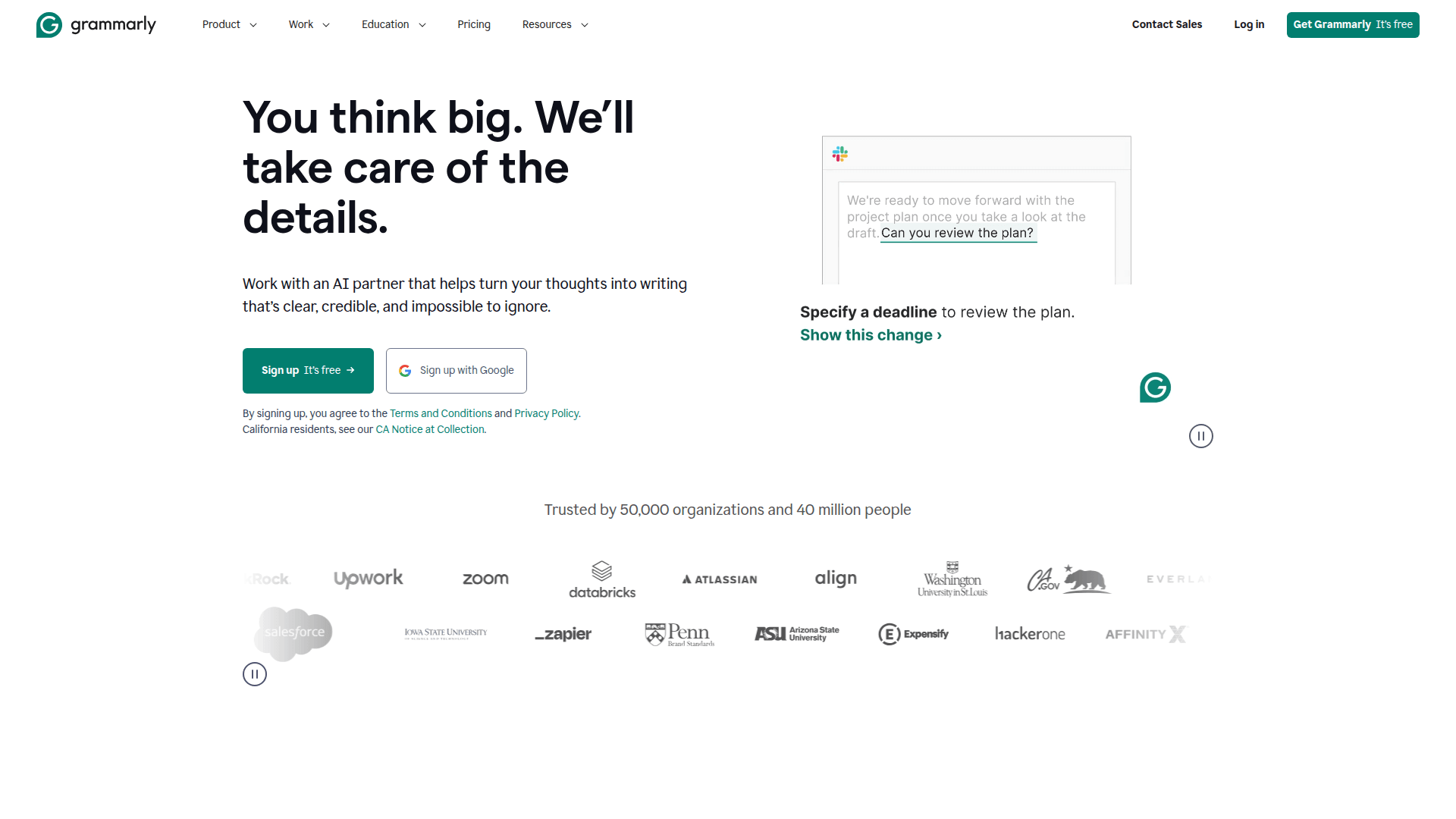
Grammarly is a comprehensive AI writing companion designed to help professionals, students, and organizations communicate with impact. Far more than a simple spell checker, Grammarly provides real-time AI guidance to ensure your writing is clear, professional, and convincing. Trusted by over 40 million people and 50,000 organizations, it integrates seamlessly into the tools you already use, including Slack, Zendesk, and Google Docs. The platform uses responsible AI to offer personalized suggestions, from fixing typos and sentence structure to adjusting tone for specific brand style guides. Grammarly focuses on data security, ensuring user content is never sold or used to train third-party models. Whether you are drafting a project proposal or responding to a customer, Grammarly helps you see your work through your audience's eyes, providing reader reaction feedback to ensure your message is understood the first time.
Features
Use Cases
Pros & Cons
Pros
- Seamless integration across thousands of websites and desktop applications.
- Advanced tone and clarity suggestions beyond basic grammar corrections.
- High focus on data privacy and security with 'Responsible AI' standards.
- Reduces the time spent on manual proofreading and editing.
Cons
- Some advanced features like expert insights require a paid subscription.
- May struggle with highly technical or niche jargon without customization.
Pricing
Free for individuals with basic suggestions; Premium and Business plans available for advanced features and team collaboration.
Frequently Asked Questions
Reviews
Submit Review
Related Tools
More tools you might like

Embed on your site
Use website badges to drive support from your community for your tool. They're easy to embed on your homepage or footer.

Powered by AI magic