

Photolapse
Create stunning face aging timelapse videos with AI-powered centering
Description
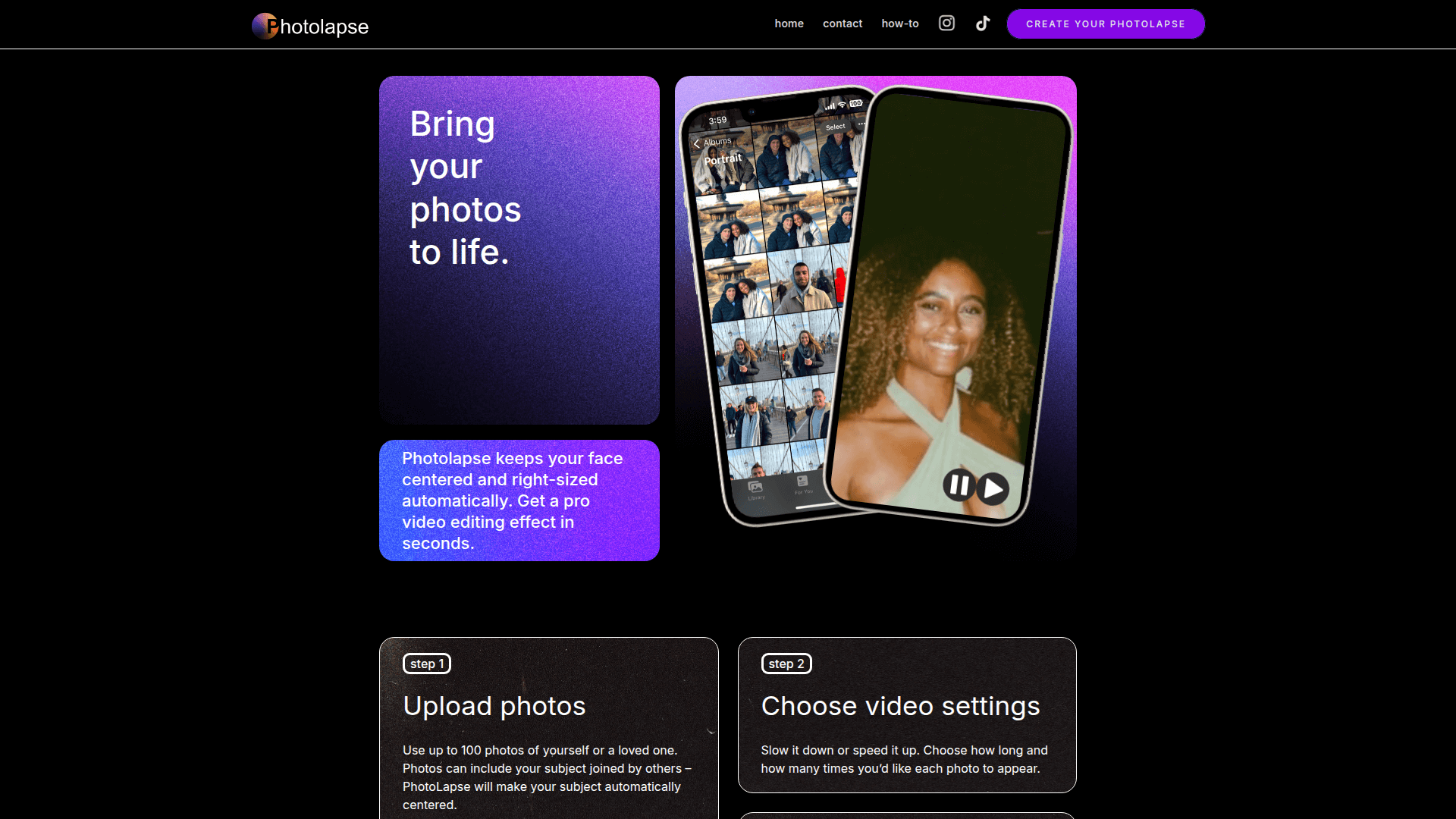
Photolapse is a specialized AI-powered video editing tool designed to help users create professional-grade face timelapse videos without needing complex software. By leveraging advanced face-detection AI, the platform automatically centers and resizes subjects within uploaded photos, ensuring a smooth and consistent transition between frames—a technique known as 'flashcutting.' Users can upload up to 100 photos from their existing library, ranging from personal growth journeys and baby milestones to weight loss transformations. The tool eliminates the tedious manual work of aligning eyes and facial features, which is usually required in traditional video editors. After uploading, users can customize video settings, including the speed of the transitions and frame duration, to create a story that perfectly captures the passage of time. Whether you are looking to create a viral TikTok trend, a heartfelt gift for a family member, or a commemorative slideshow, Photolapse provides a streamlined 3-step workflow to bring your static photos to life.
Features
Use Cases
Pros & Cons
Pros
- Saves hours of manual photo alignment through intelligent AI face-centering.
- Very easy to use with a simple three-step process suitable for non-editors.
- No expensive software subscriptions like Adobe Premiere or After Effects required.
- Works with photos containing multiple people by identifying and centering the primary subject.
- Allows for free previews so you only pay for the final finished product.
Cons
- Limited to 100 photos per video project.
- Niche focus purely on face-centric timelapse videos rather than general editing.
Pricing
Free to upload and preview; $5.99 per video download to remove watermarks.
Frequently Asked Questions
Reviews
Submit Review
Related Tools
More tools you might like
Embed on your site
Use website badges to drive support from your community for your tool. They're easy to embed on your homepage or footer.

Powered by AI magic