
Snippai
AI-Powered Snipping Tool for Smart Text, Formula, and Table Extraction
Description
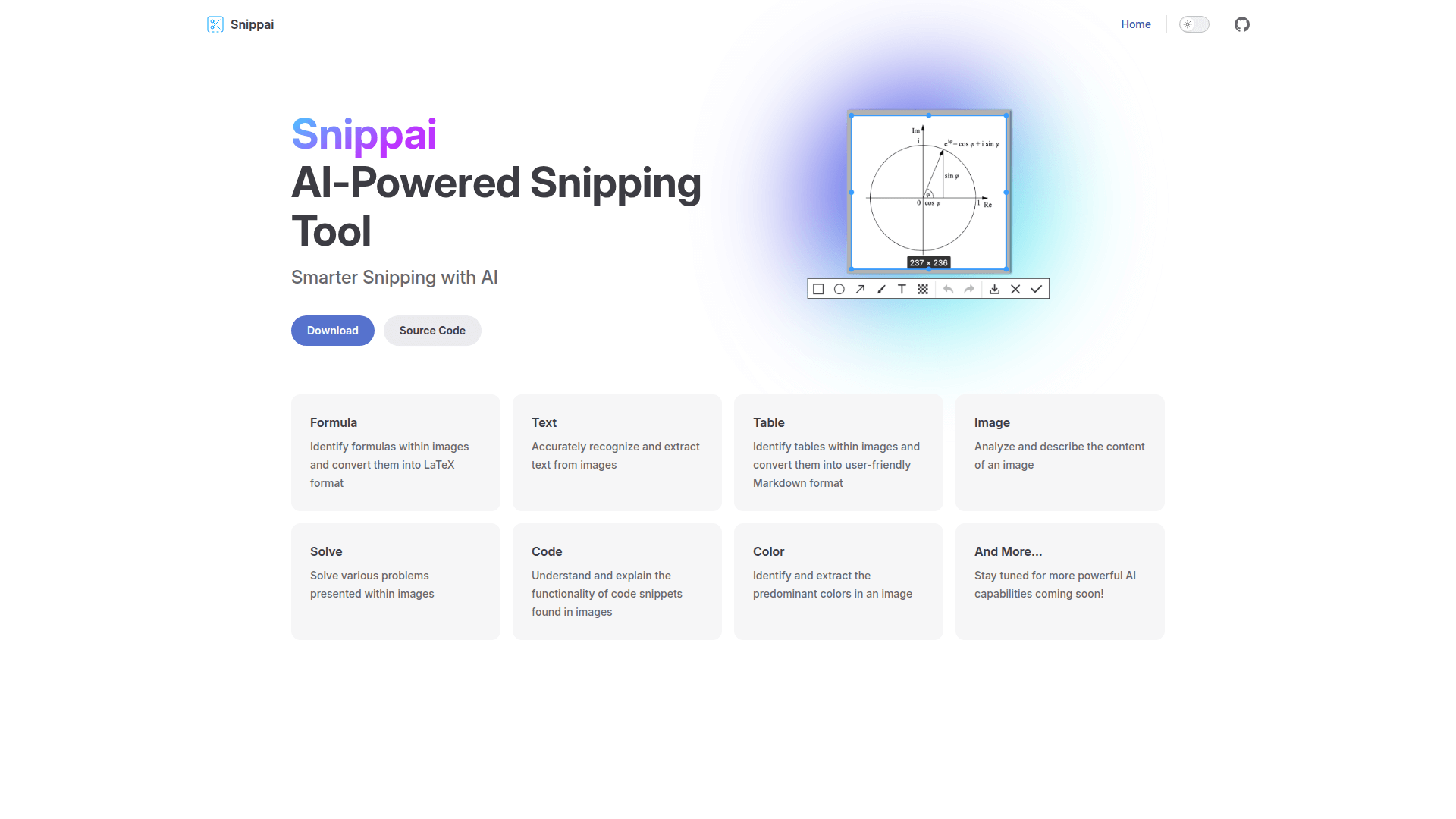
Snippai is an innovative, AI-enhanced screen capture and extraction utility designed to bridge the gap between static images and editable data. Unlike traditional snipping tools that only save pixels, Snippai uses advanced AI to understand the content within your screenshots. It excels at complex tasks such as identifying mathematical formulas and converting them into precise LaTeX format, as well as detecting structural tables and transforming them into user-friendly Markdown. Beyond simple OCR, Snippai serves as an intelligent assistant capable of solving problems presented in images and explaining the logic behind captured code snippets. Whether you are a student, researcher, or developer, Snippai streamlines your workflow by making visual information actionable and searchable.
Features
Use Cases
Pros & Cons
Pros
- Multifunctional tool replacing several separate OCR and conversion utilities.
- Seamless conversion to developer-friendly formats like LaTeX and Markdown.
- Open-source nature allows for transparency and community-driven improvements.
- Supports complex logic tasks like solving math and explaining code.
- User-friendly interface focused on productivity and speed.
Cons
- Requires an active internet connection for the AI processing features.
- Currently dependent on GitHub releases for updates and installation.
Pricing
Free and open-source, available via GitHub.
Frequently Asked Questions
Reviews
Submit Review
Related Tools
More tools you might like

Embed on your site
Use website badges to drive support from your community for your tool. They're easy to embed on your homepage or footer.

Powered by AI magic