

X Alt Text Generator for Twitter
Instantly generate accessible alt text for X images using GPT-4 Vision
Description
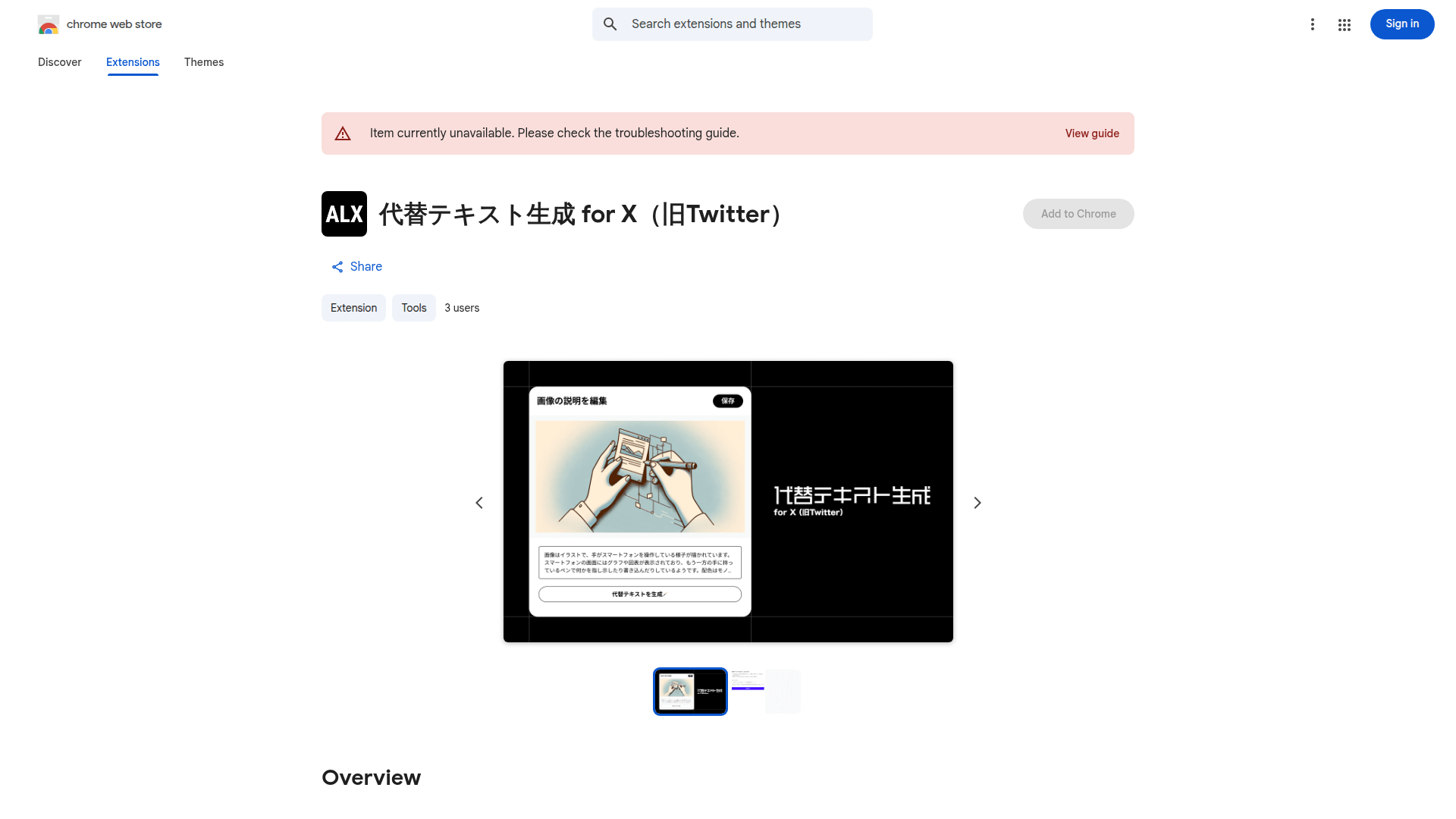
X Alt Text Generator (formerly for Twitter) is a powerful Chrome extension designed to make social media more inclusive and accessible. By leveraging the advanced image analysis capabilities of OpenAI's GPT-4 Vision API (gpt-4-vision-preview), this tool eliminates the manual effort involved in writing descriptive alternative text for images. When you upload an image to X and open the 'Edit image description' screen, the extension adds a magic 'Generate Alt Text' button. With a single click, the AI analyzes your image and automatically populates the description field with accurate, context-aware text. This tool is ideal for creators who want to ensure their content is accessible to visually impaired users while maintaining a fast workflow. Please note that users must provide their own OpenAI API key via the extension's options page to enable the generation features. The developer prioritizes privacy, ensuring no user data is collected or tracked via third-party analytics.
Features
Use Cases
Pros & Cons
Pros
- Improves social media accessibility for screen reader users effortlessly.
- Utilizes state-of-the-art AI for highly accurate visual descriptions.
- Zero data tracking policy ensures maximum privacy and security.
- Fast installation and easy setup via the Chrome Web Store.
- Directly inserts text into X's UI, saving multiple manual steps.
Cons
- Requires a personal OpenAI API key and associated credit costs.
- Currently limited to the desktop Chrome browser environment.
Pricing
Free to install extension; requires personal OpenAI API key for generation credits.
Frequently Asked Questions
Reviews
Submit Review
Related Tools
More tools you might like
Embed on your site
Use website badges to drive support from your community for your tool. They're easy to embed on your homepage or footer.

Powered by AI magic