
Image to Prompt Pro
Turn Images into High-Quality AI Prompts Instantly
Description
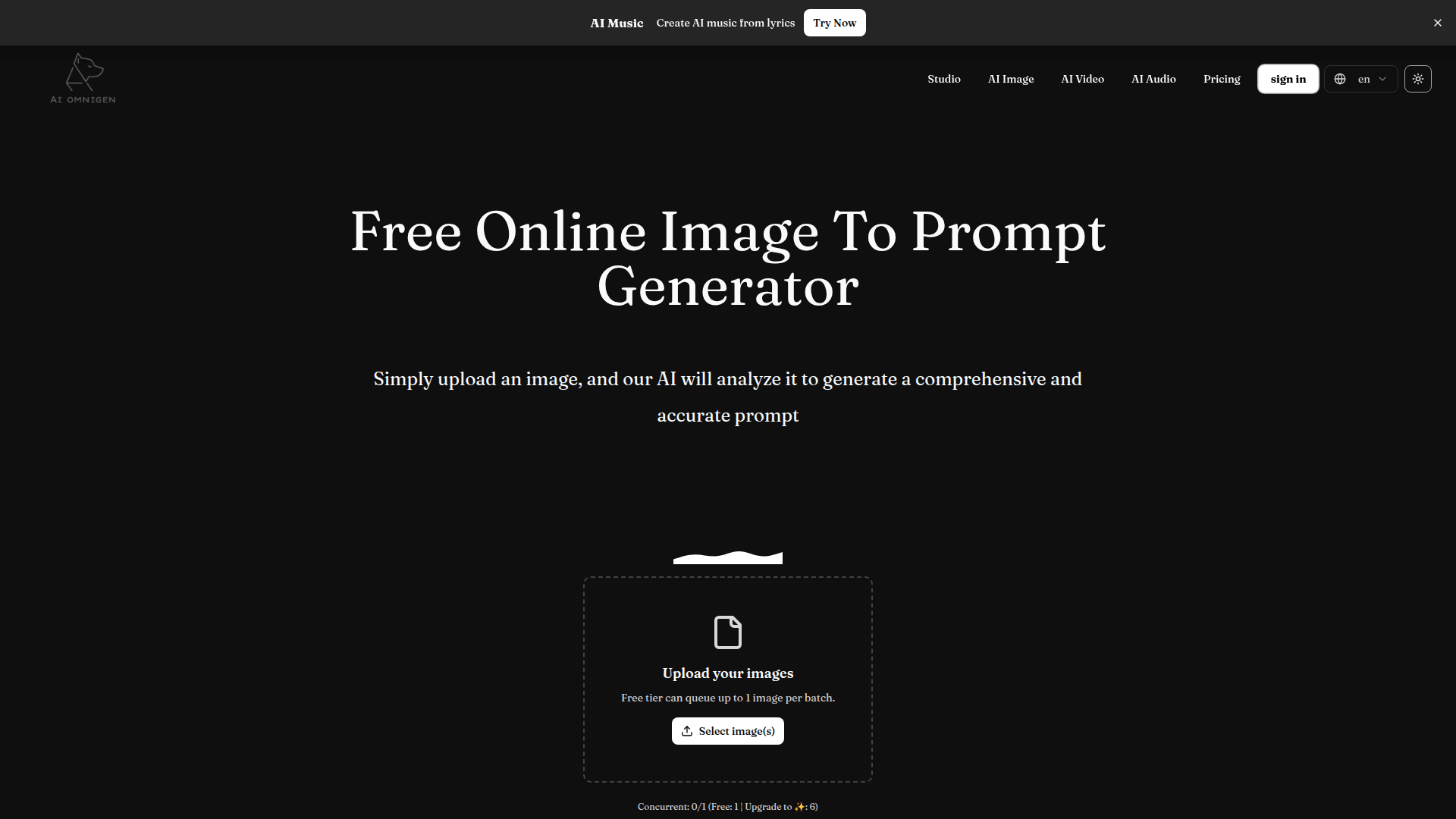
Image to Prompt Pro is a sophisticated AI-powered utility designed to bridge the gap between visual inspiration and creative generation. By utilizing advanced computer vision and natural language processing, the tool analyzes uploaded images to extract intricate details including subject matter, artistic style, lighting, composition, and color palettes. This allows users to reverse-engineer any visual into a highly effective text prompt compatible with popular AI art generators like MidJourney and Stable Diffusion. The platform is built for speed and accessibility, requiring no account registration or complex setup. Users can choose from various output styles—ranging from straightforward descriptions and casual captions to specialized formats like Danbooru tags for anime art or professional product listings for e-commerce. Whether you are a digital artist looking to replicate a specific aesthetic or a marketer needing quick social media captions from a photo, Image to Prompt Pro provides the technical accuracy and linguistic nuance required for professional-grade results.
Features
Use Cases
Pros & Cons
Pros
- Completely free to start with no registration gated features.
- Wide variety of specialized output types (e.g., Art Critic, Product Listing).
- High accuracy in identifying specific visual elements and lighting conditions.
- User-friendly interface that works on both desktop and mobile browsers.
- Supports specific prompt engineering for major AI engines like Stable Diffusion.
Cons
- Free tier is limited to queuing 1 image per batch.
- Requires high-quality image uploads for the most precise descriptive results.
Pricing
Free tier available for 1 concurrent image; upgrade available for up to 6 concurrent generations.
Frequently Asked Questions
Reviews
Submit Review
Related Tools
More tools you might like

Embed on your site
Use website badges to drive support from your community for your tool. They're easy to embed on your homepage or footer.

Powered by AI magic